

First project
Deploy a project from GitHub, an archive, Git by URL or a ready-made image with a four-step wizard.
After this page a project runs on your server. You need a connected server with the Online status.
The project wizard
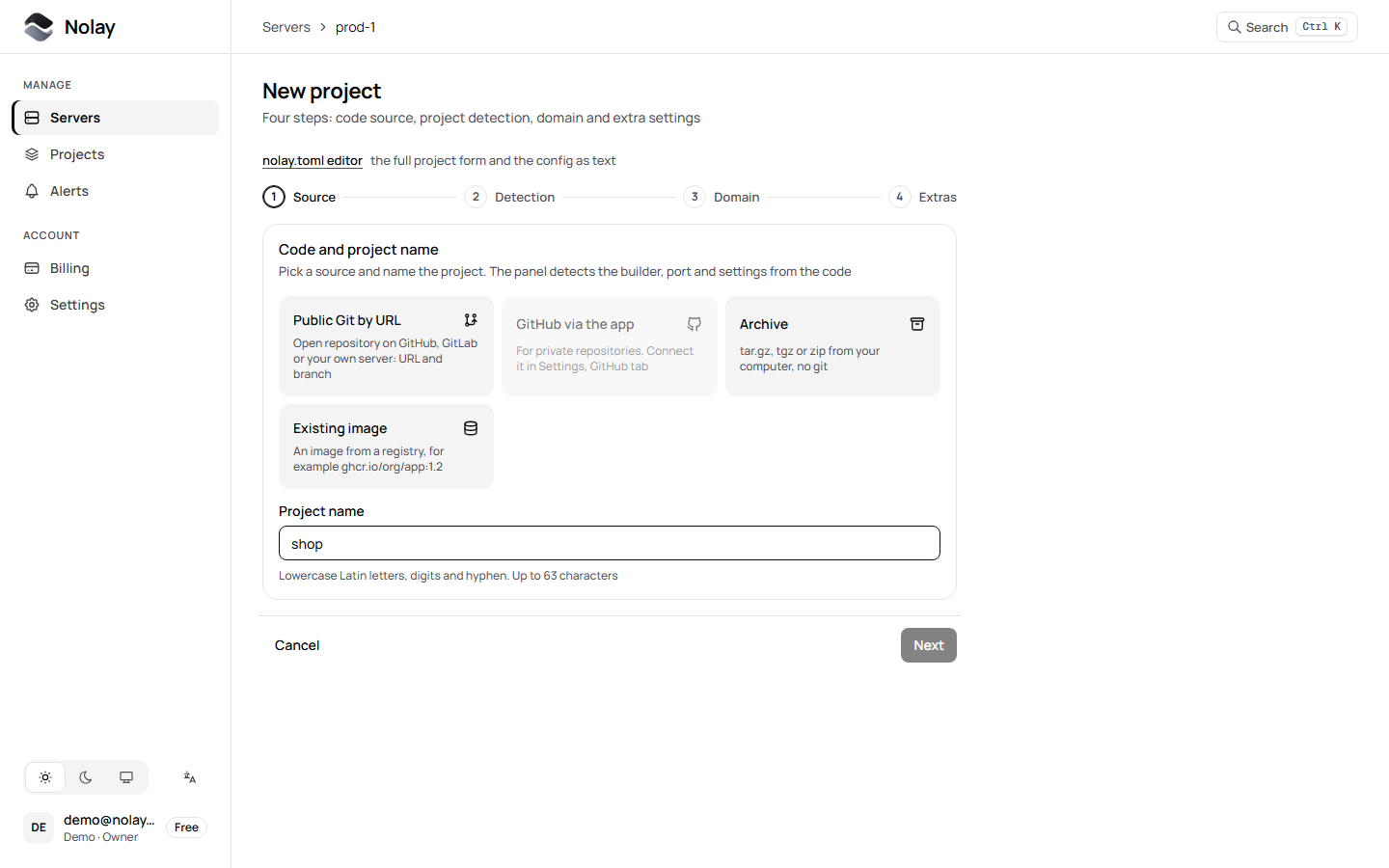
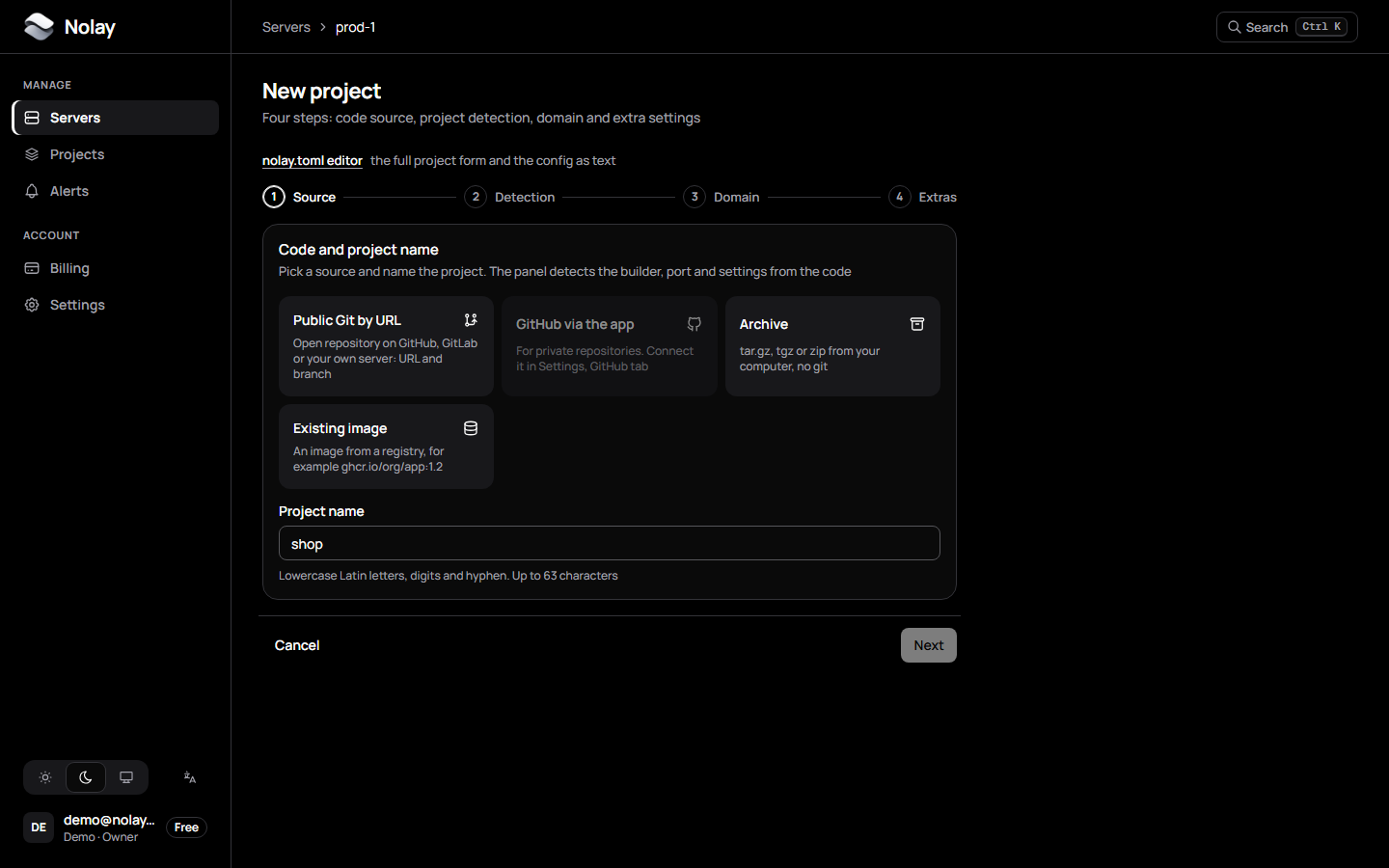
Open the server in the panel and click New project. The wizard has four steps:
- Source. Where to take the code from and what to call the project.
- Detection. The agent fetches the code to the server and picks a builder, port and readiness check. You can change the result.
- Domain. The address the project opens at. Leave it empty to keep the project internal.
- Extras. Backups, a database next to it and protection. All of this can be turned on later.
Create and deploy starts the build. The deploy window shows the steps and the build log.
Code sources
GitHub via the app
Works for private and public repositories. Connect the Nolay app once in Settings, GitHub tab, and give it access to the repositories you need. In the wizard pick the repository and branch from the list.
After that every push to the chosen branch starts a deploy, and the deploy status shows up in GitHub next to the commit.
Public Git by URL
An open repository on GitHub, GitLab or your own server: give the address and branch. For a private repository by URL, set the project secret NOLAY_GIT_TOKEN (HTTPS) or NOLAY_GIT_SSH_KEY (an SSH key as a multiline value). Do not put a login or token in the address.
Archive
A .zip, .tar.gz or .tgz archive from your computer, without git, up to 200 MB. Leave node_modules, build directories and .git out: they are not needed, the build runs on the server.
The panel does not keep the archive: it passes through the hub to the agent and is deleted. For the next deploy the archive is uploaded again.
Existing image
An image from a registry, for example ghcr.io/org/app:1.2. There is no build, the agent pulls the image and runs it. The image must be pullable without logging in: private registries with a login are not supported yet.
How the image is built
The build always runs on your server. The default builder is auto:
- There is a
Dockerfilein the root: build with it. - The stack is recognized from the files: a Nolay template (Node.js, Next.js, Python, Go, Bun, Ruby, static) or Railpack.
- The stack is not recognized: a “stack not recognized” error; add a Dockerfile or pick a builder by hand.
All builders and fields are in the nolay.toml reference. A nolay.toml in the repository root takes priority over the panel form.
Check that the project runs
The project status in the panel is Running. Without a domain the project is reachable only inside the server. To open it in a browser, add a domain.
Troubleshooting
Next
Add a domain and HTTPS and set the secrets.