Skip to content
WebsitePanelStatus
NolayDocumentation
WebsitePanelStatus
SectionsGuides: Tunnel behind NAT
Getting started
  • Section overview
  • What is Nolay
  • What is a VPS
  • Server requirements
  • Connecting a server
  • First project
Guides
  • Section overview
  • Domains and HTTPS
  • Secrets
  • Tunnel behind NAT
Concepts
  • Section overview
  • What is stored where
Reference
  • Section overview
  • Error codes
  • nolay.toml
Security
  • Section overview
Migration
  • Section overview
Troubleshooting
  • Section overview
Changelog
  • Section overview
Getting started
  • Section overview
  • What is Nolay
  • What is a VPS
  • Server requirements
  • Connecting a server
  • First project
Guides
  • Section overview
  • Domains and HTTPS
  • Secrets
  • Tunnel behind NAT
Concepts
  • Section overview
  • What is stored where
Reference
  • Section overview
  • Error codes
  • nolay.toml
Security
  • Section overview
Migration
  • Section overview
Troubleshooting
  • Section overview
Changelog
  • Section overview
  1. Documentation
  2. Guides
  3. Tunnel behind NAT

Tunnel behind NAT

Open project sites to the internet when the server has no public address or inbound ports are closed.
Markdown

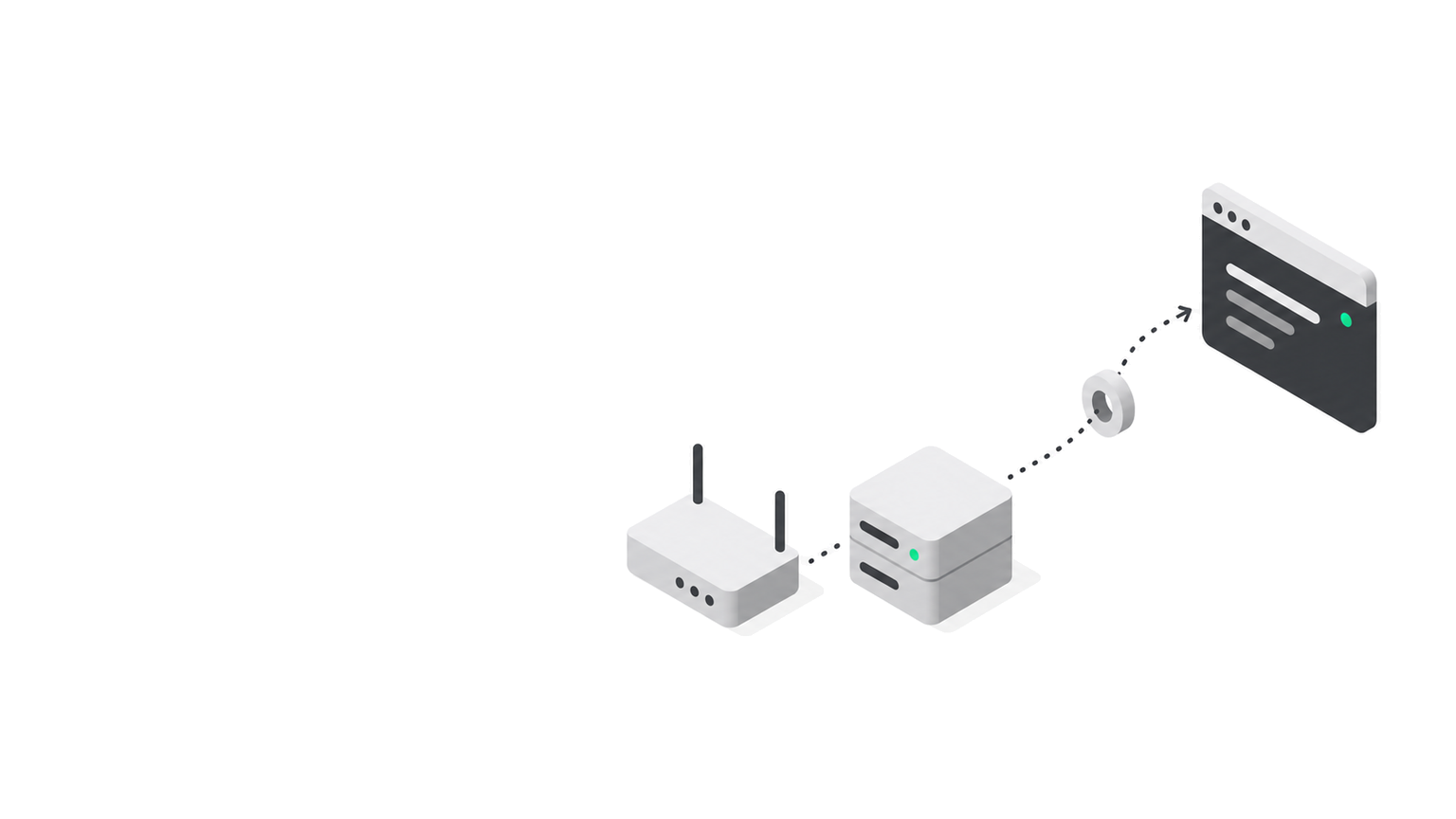
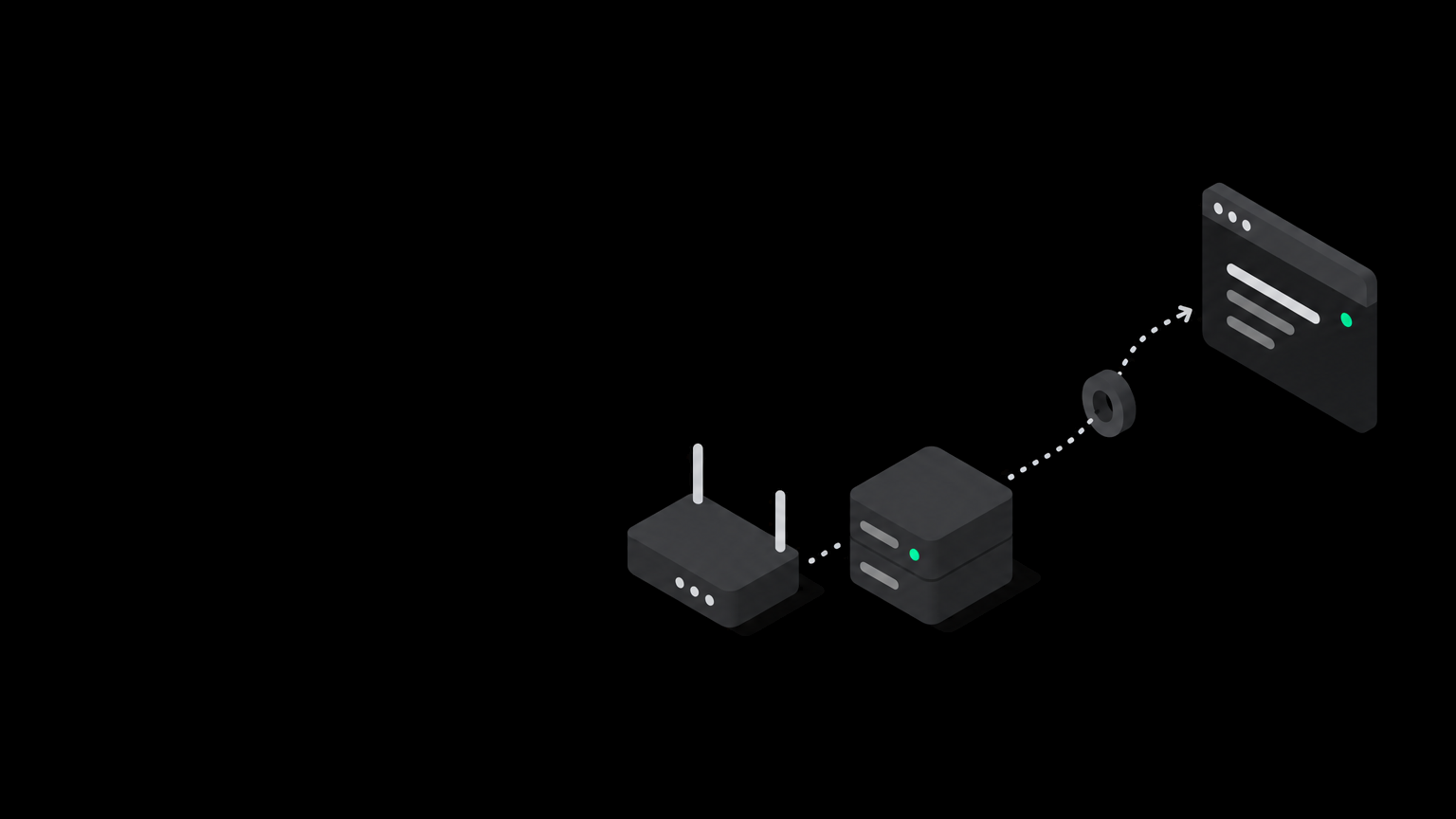
The tunnel is for a server at home, in an office or with a provider without a public IPv4, where inbound connections on 80 and 443 do not reach it. The agent opens a second outgoing connection to the Nolay relay, and visitors reach the site through it.

How it works

  1. The agent keeps an outgoing WSS connection to relay.nolay.ru, the same way as with the hub.
  2. Each project gets a permanent address like k3n7x2q9ab.tunnel-noray.ru. The project name is not in the address, the address never changes and is never given to anyone else.
  3. A visitor's request arrives at the relay, goes through the tunnel to the agent and on to the project container.

Tunnel addresses live on a separate domain, tunnel-noray.ru, not nolay.ru: this way project content does not share cookies and reputation with the panel.

How to turn it on

  1. Open the server in the panel, the Projects tab, the Tunnel block.
  2. Pick a mode:
    • On: the tunnel always works;
    • Auto: the tunnel turns on when the server is behind NAT and off with a public address;
    • Off: sites are reachable only at the server address.
  3. Wait for the Connected state. Project addresses appear in the block.
A screenshot of the Tunnel block will be added later.
Tunnel mode and project addresses.

Owners and admins of the organization can turn the tunnel on, and only with a confirmed email. On the free plan the tunnel can be turned on a day after sign-up.

Your own domain through the tunnel

Point your domain at the tunnel address with a CNAME record:

TypeNameValue
CNAMEapp.example.comk3n7x2q9ab.tunnel-noray.ru

Then add the domain to the project as in Domains and HTTPS.

Limits

WhatHow much
Trafficby plan, 5 GiB a month on the free plan
Speedup to 20 Mbit/s per tunnel
Concurrent requestsup to 200 per tunnel

On the free plan a visitor sees a warning page on the first visit saying the site is served through a Nolay tunnel. Paid plans do not have it.

The relay records only request metadata: project address, response code, duration. Paths, headers and bodies are not recorded.

Troubleshooting

What you seeWhyWhat to do
The switch is off with an explanationEmail not confirmed, or a day has not passed on the free planConfirm the email or wait
“Tunnel removed by operator”Nolay staff blocked the tunnel, the reason is in the bannerContact support
The Waiting for agent stateThe agent did not connect to the relayCheck outgoing access to relay.nolay.ru:443 and journalctl -u nolay-agent

Next

Read what is stored where.

PreviousSecretsNextConcepts

On this page

  • How it works
  • How to turn it on
  • Your own domain through the tunnel
  • Limits
  • Troubleshooting
  • Next
Updated 2026-09-23
Nolay

Nolay documentation: connecting your own server, deploys, domains, secrets.

Documentation

Getting startedReferenceChangelogllms.txt for AI

Product

WebsitePanelStatus
Nolay