Skip to content
WebsitePanelStatus
NolayDocumentation
WebsitePanelStatus
Sections
Getting started
  • Section overview
  • What is Nolay
  • What is a VPS
  • Server requirements
  • Connecting a server
  • First project
Guides
  • Section overview
  • Domains and HTTPS
  • Secrets
  • Tunnel behind NAT
Concepts
  • Section overview
  • What is stored where
Reference
  • Section overview
  • Error codes
  • nolay.toml
Security
  • Section overview
Migration
  • Section overview
Troubleshooting
  • Section overview
Changelog
  • Section overview
Getting started
  • Section overview
  • What is Nolay
  • What is a VPS
  • Server requirements
  • Connecting a server
  • First project
Guides
  • Section overview
  • Domains and HTTPS
  • Secrets
  • Tunnel behind NAT
Concepts
  • Section overview
  • What is stored where
Reference
  • Section overview
  • Error codes
  • nolay.toml
Security
  • Section overview
Migration
  • Section overview
Troubleshooting
  • Section overview
Changelog
  • Section overview

Documentation

How to connect your own server, deploy a project and get it to a live site with a domain and HTTPS.
Start with connecting a server

Getting started

From renting a server to a live site with a domain and HTTPS.
  • What is NolayWhat Nolay is made of, what the agent does on your server and what stays with you.
  • What is a VPSWhich server to rent for Nolay, how to pick a plan and what to get from the hosting provider.
  • Server requirementsOS, resources, ports and network the installer checks before installing the agent.
  • Connecting a serverAdd a server in the panel, run one command on it and wait for the Online status.
  • First projectDeploy a project from GitHub, an archive, Git by URL or a ready-made image with a four-step wizard.

Guides

How to do a specific thing: a domain, secrets, a server without a public address.
  • Domains and HTTPSPoint a domain at the server, add it to a project and get a certificate without manual steps.
  • SecretsGive a project passwords and keys so that their values are not stored in the panel and never reach the repository.
  • Tunnel behind NATOpen project sites to the internet when the server has no public address or inbound ports are closed.

Concepts

The product model: server, agent, project, version and where data lives.
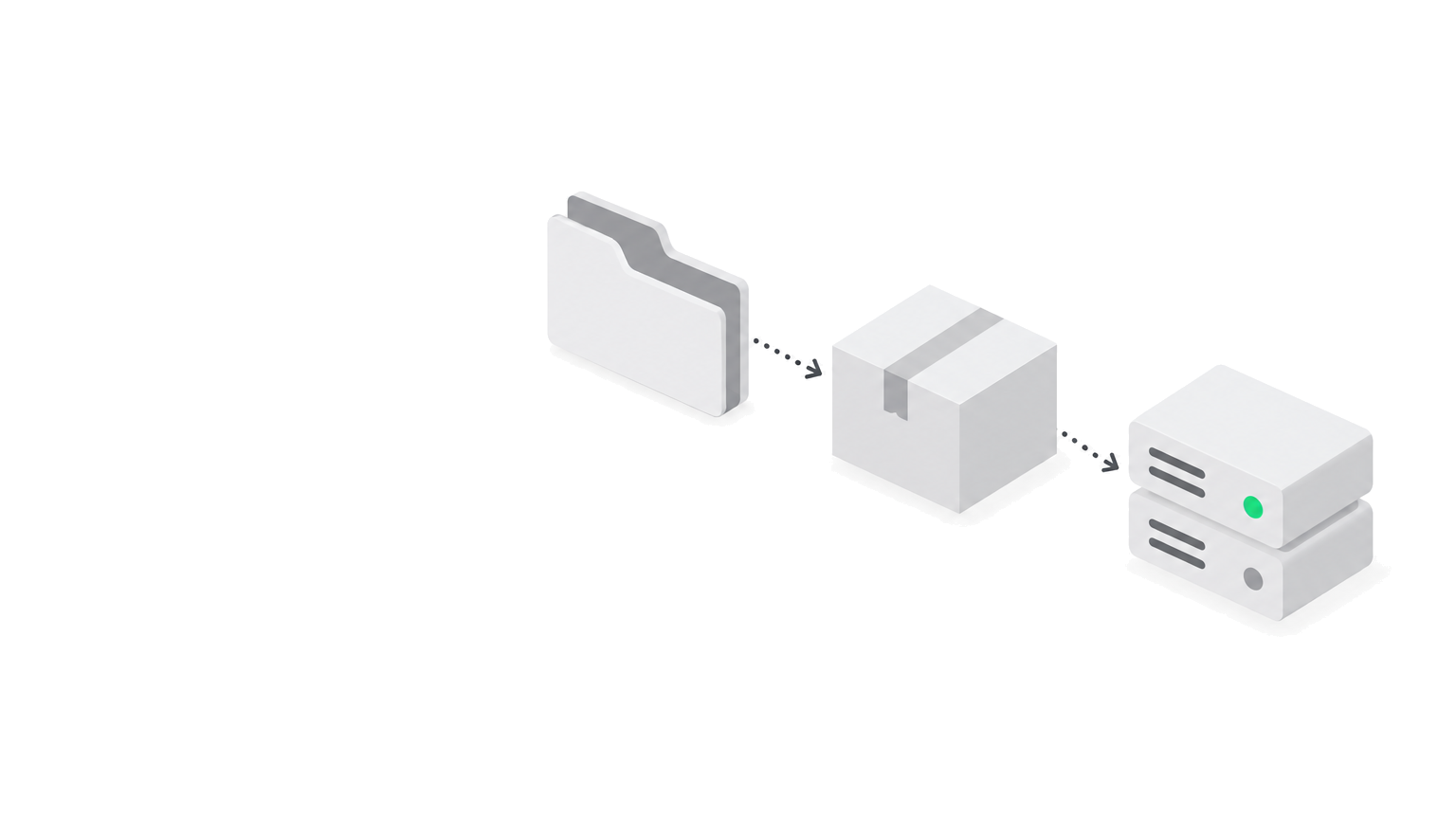
  • What is stored whereWhich data Nolay keeps, which stays only on your server and what support can see.

Reference

Exact facts without narrative: nolay.toml fields and error codes.
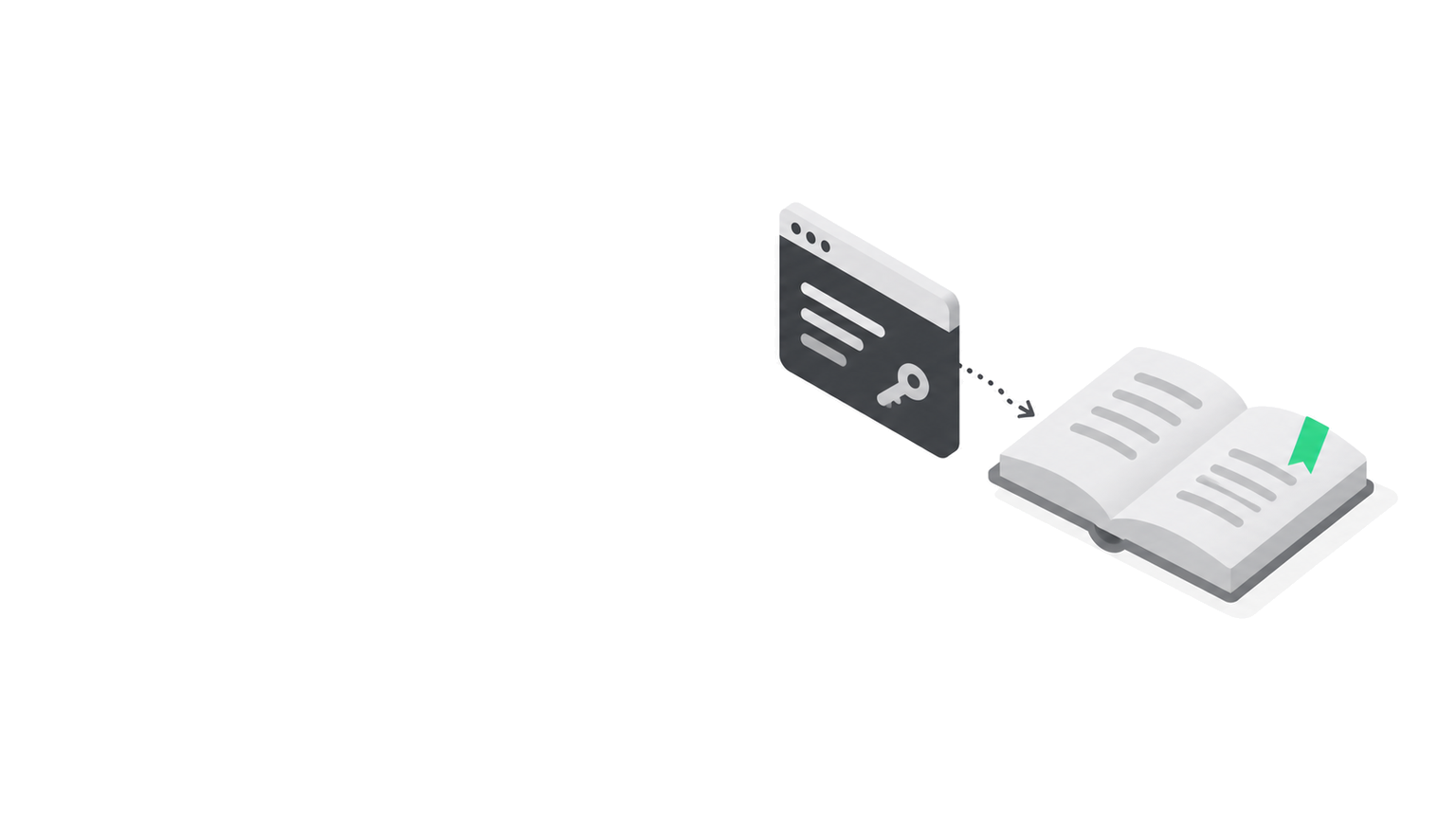
  • Error codesWhat an agent, hub or panel error code means and what to do.
  • nolay.tomlEvery field of the project settings file with types and defaults.

Security

The trust model: what the agent can do on your server and what Nolay can do.
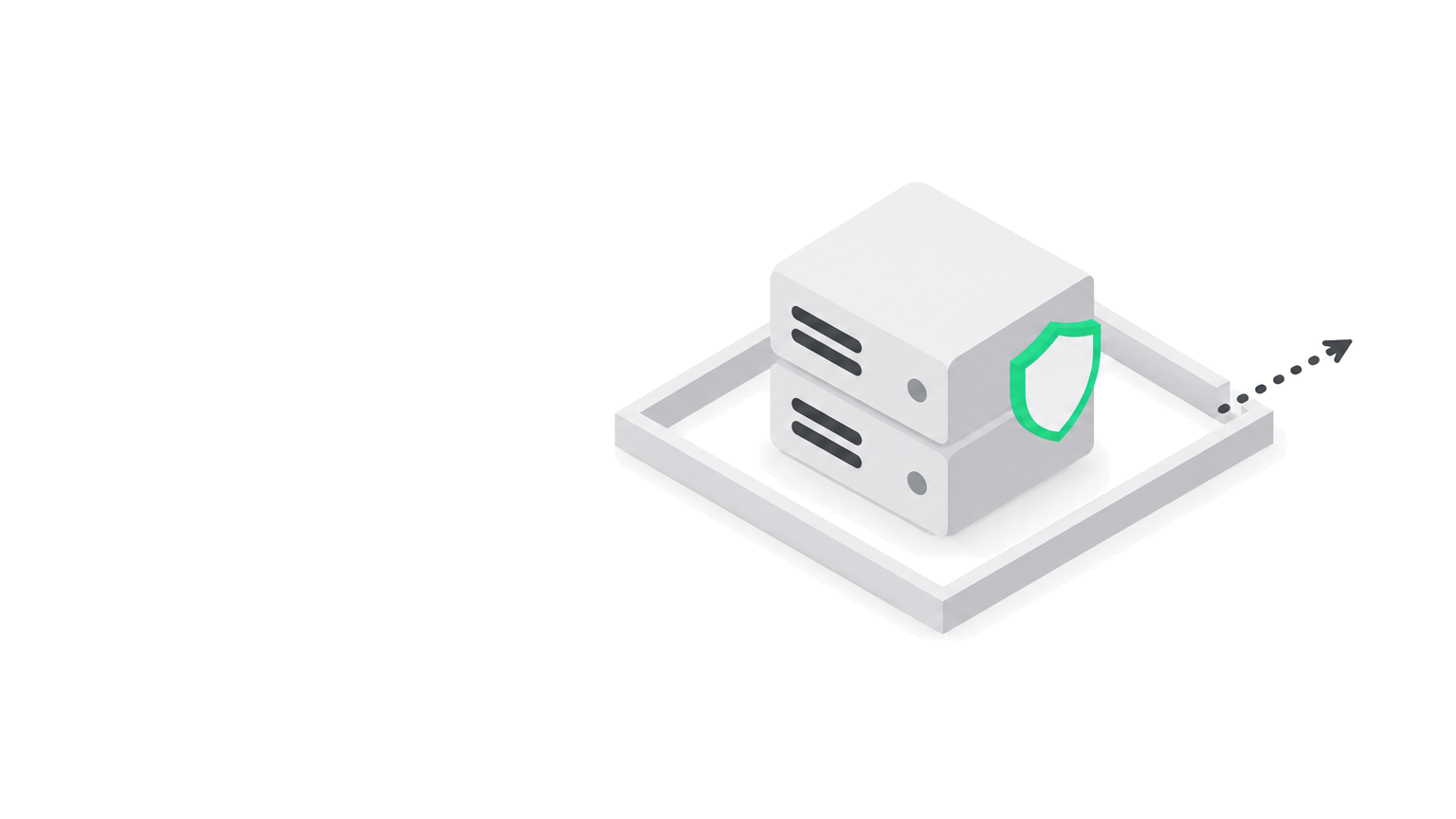
Migration

How to move projects to Nolay from another panel, a PaaS or your own scripts.

Troubleshooting

Common symptoms, their causes and what to do without contacting support.
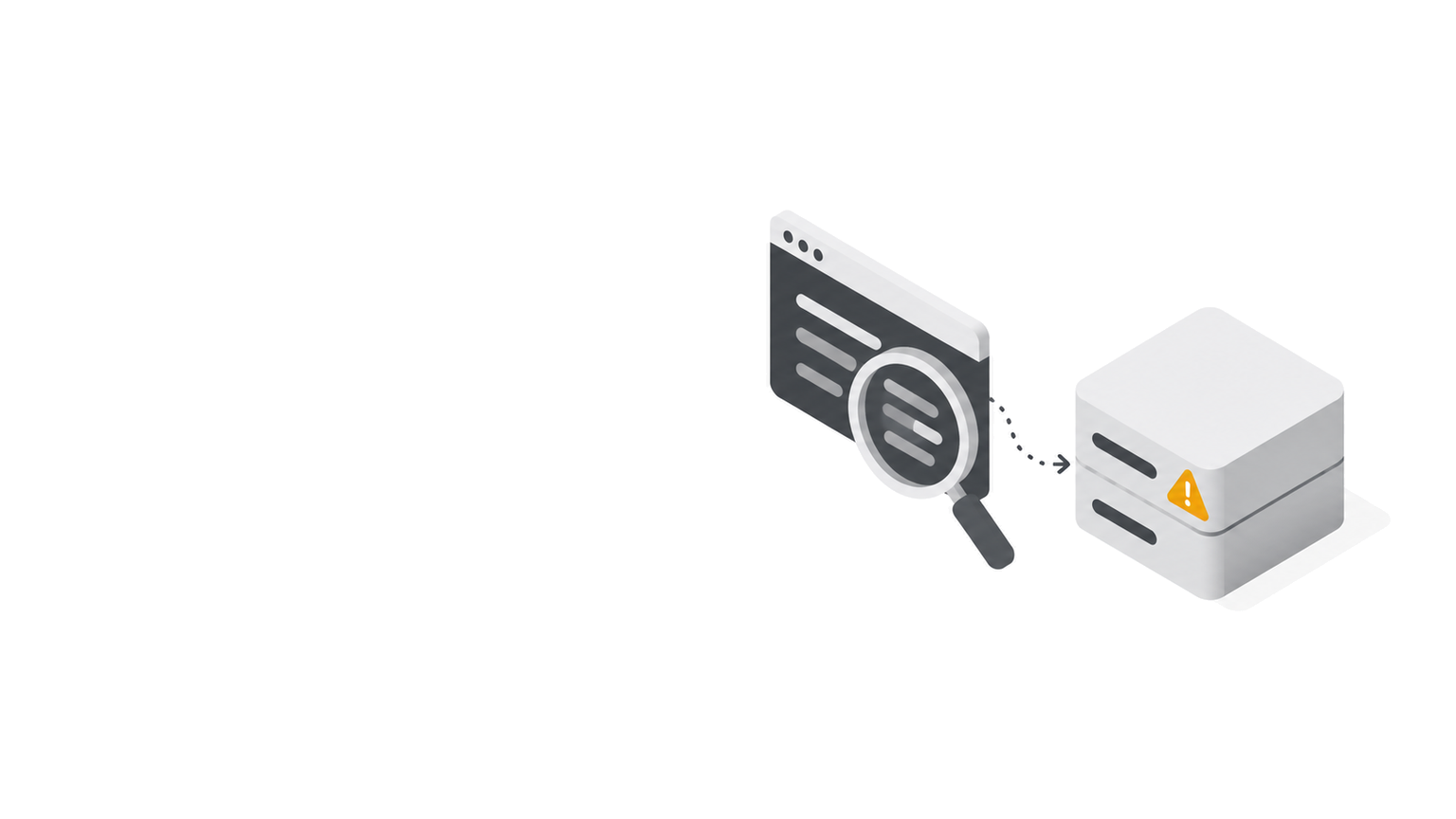
Changelog

What changed in the panel, the agent and the documentation, by date.

Nolay

Nolay documentation: connecting your own server, deploys, domains, secrets.

Documentation

Getting startedReferenceChangelogllms.txt for AI

Product

WebsitePanelStatus
Nolay