

Secrets
Give a project passwords and keys so that their values are not stored in the panel and never reach the repository.
A secret is an environment variable whose value must not go into the repository: a database password, an API key, a token. After this page the project has its secrets, and their values exist only on your server.
How to set them
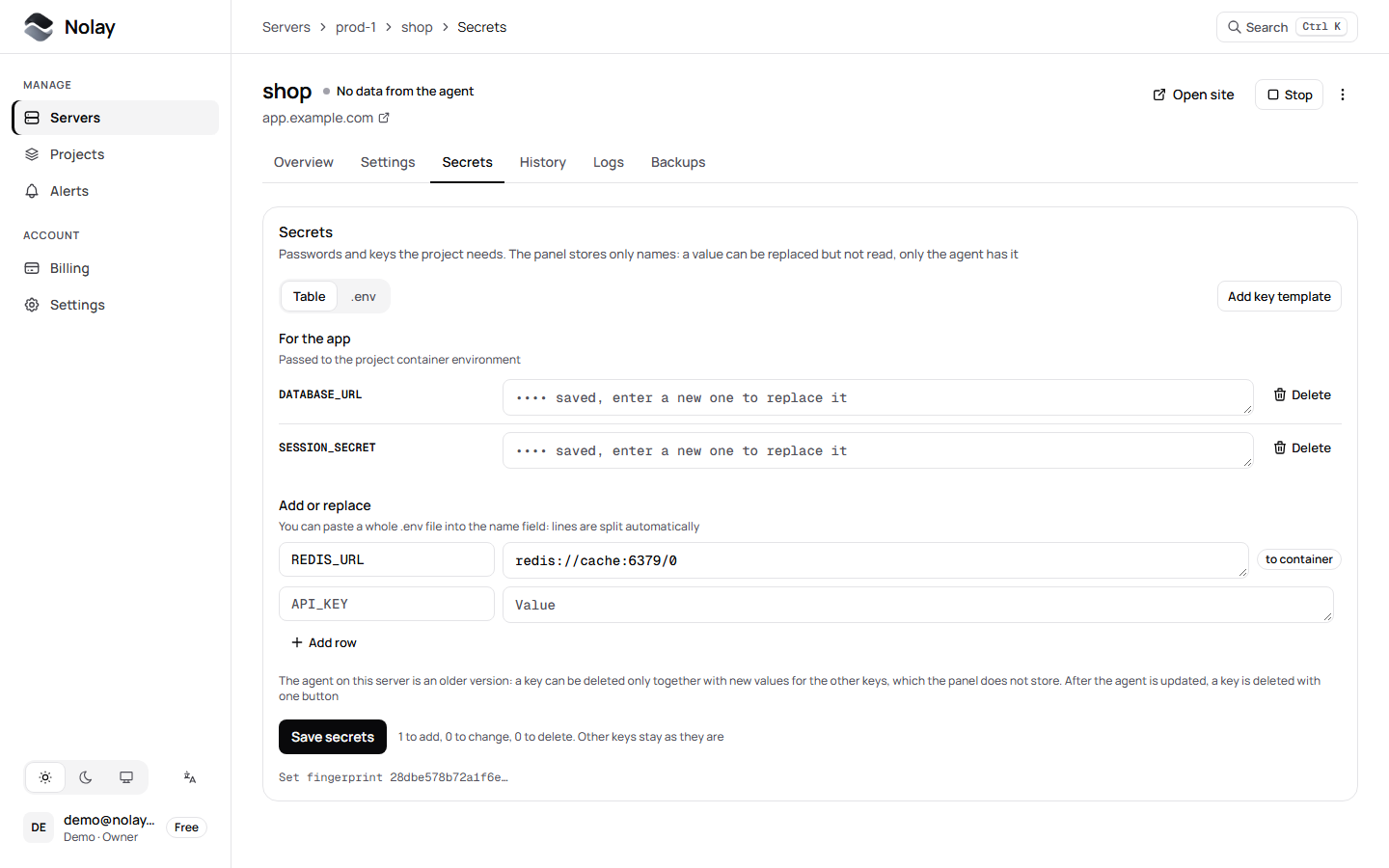
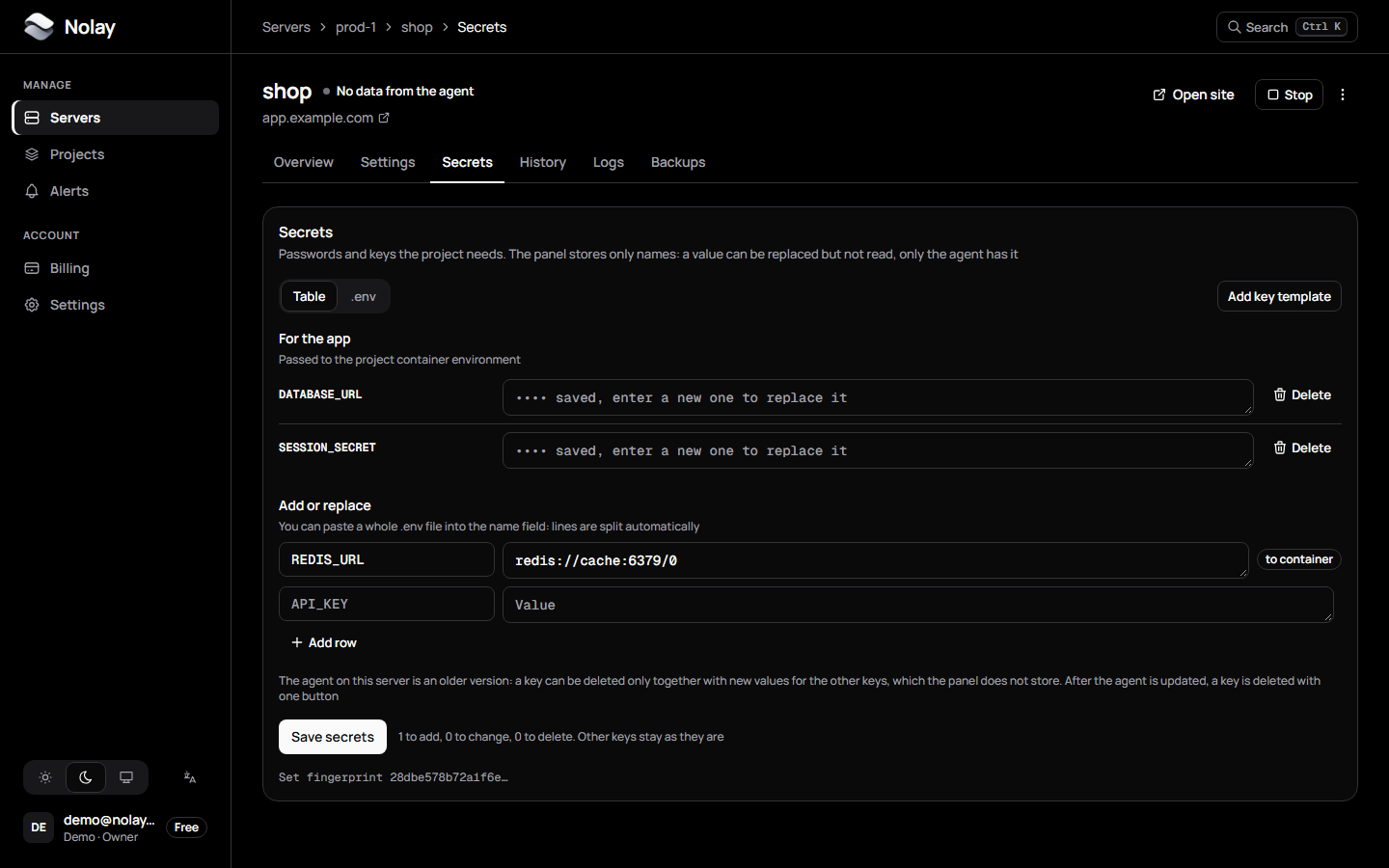
- Open the project in the panel, the Secrets tab.
- In the Add or replace block enter a key and a value; Add row gives the next one. You can paste a whole
.envfile into the key field or switch to the .env mode. - Click Save secrets. Above the button you see how many keys will be added, changed and removed. The panel sends the set to the agent and the project restarts with the new variables. The image is not rebuilt.
Where values are stored
A value cannot be viewed again after saving anywhere, not even with nolay-agent status: it prints only names.
Secrets and [env]
Non-secret variables can live in nolay.toml:
Secrets and [env] reach the container together. If a key is in both, the secret wins. Keys use capital Latin letters, digits and _.
Service keys NOLAY_*
Keys with the NOLAY_ prefix are for the agent itself and never reach the application container:
Troubleshooting
Next
Read what is stored where.